How Can We Help?
Checking into the Kiosk
From the Kiosk page, everyone that’s rostered on will appear on the left under the ‘Not Checked In’ heading.
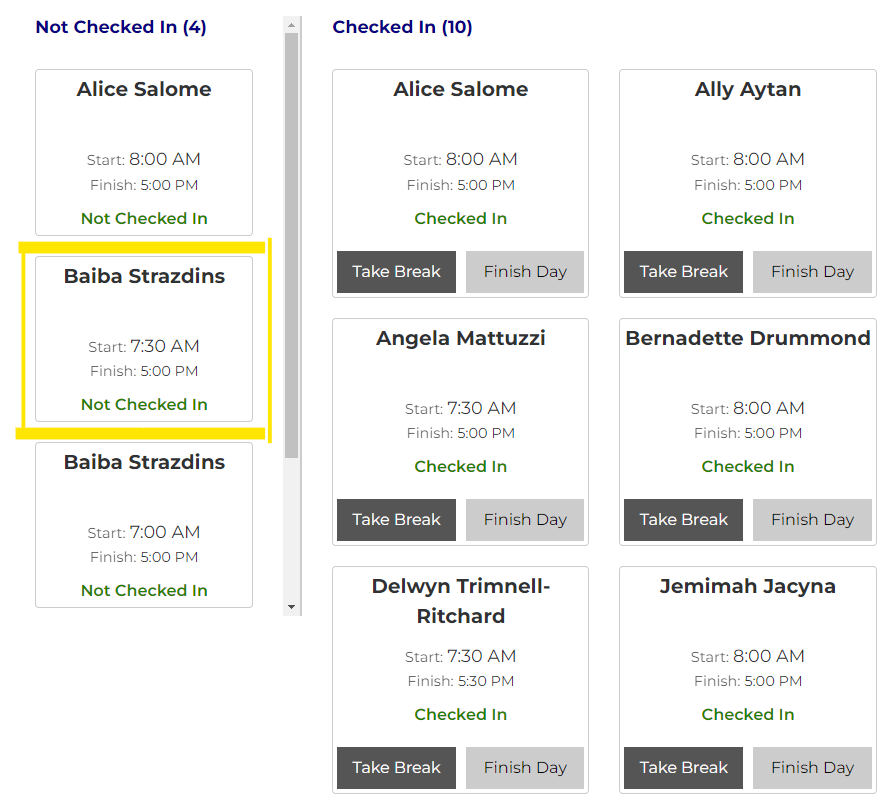
Click on your name and it will trigger a pop up and prompt you to enter your PIN.
IMAGE
Enter your PIN and you’ll be checked in. You’ll receive a confirmation message of the check in.
IMAGE
Checking in when not rostered on
At the bottom, select ‘not rostered on today’ to see the other users available.
IMAGE
From there, you can select your name to check yourself in.