How Can We Help?
-
Jobs
- Articles coming soon
-
Mobile App
- Articles coming soon
-
Timesheets
-
- Articles coming soon
-
- Articles coming soon
-
- Articles coming soon
-
-
Rostering
-
General
-
Tessta
< All Topics
Print
Accessing Kiosk mode
Posted
Updated
ByJosh Hemmett
Kiosk mode refers to the screen where people will be able to check in and out of their shifts.
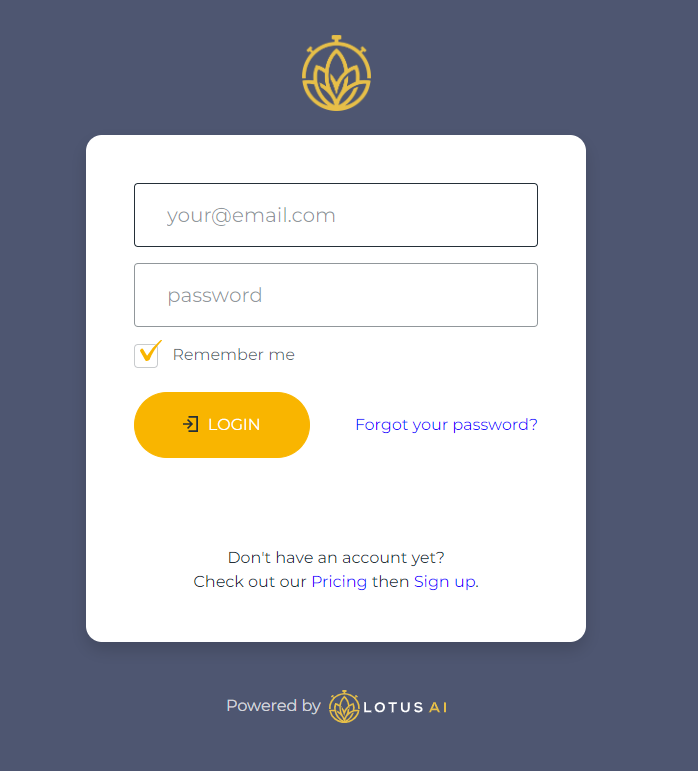
To access Kiosk mode, go to portal.lotusai.co on the computer or tablet which people will be using for checking in. This will take you to a login screen:
From the portal screen, select the ‘Rostering’ option:

This will take you through to the kiosk page.
Table of Contents