How Can We Help?
Re-enabling a user
To re-enable a user go the Users section. You can access this section via Global > Account Admin then Users on the left.
Click on Manage Person next to the appropriate person’s name; they will have a line through their name:

On this page, click Reactivate in the bottom right of the page:
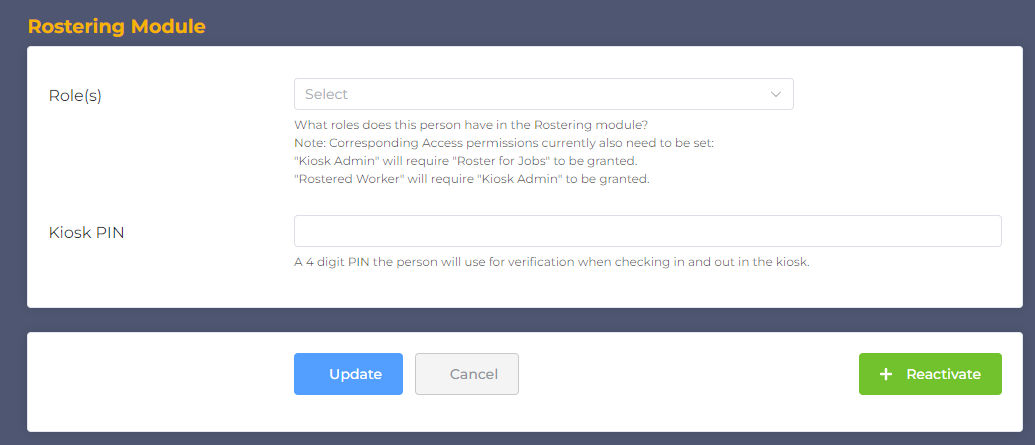
This will reactivate the user immediately. You can now allocate them to shifts, and they can now access the system again.
Note: Billing is based on active users.