How Can We Help?
Home Page
You can view all data you have saved for the assessments currently loaded in your mobile app.
Select “Tessta Admin” > “Home” then select “View my live data”:
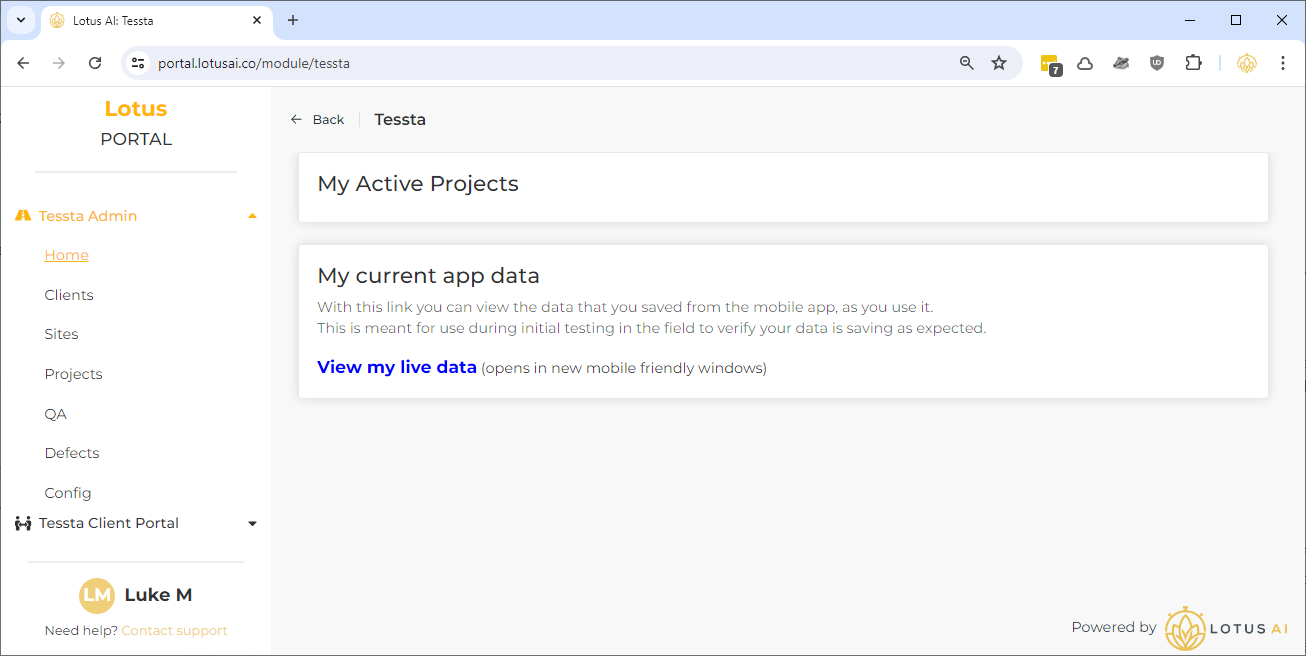
A new window will open with a mobile friendly layout.
You can use this page while on-site to verify the data you are saving in the app is actually being recorded correctly.
This page is primarily to assist in initial live testing to ensure all data is actually saved as expected:
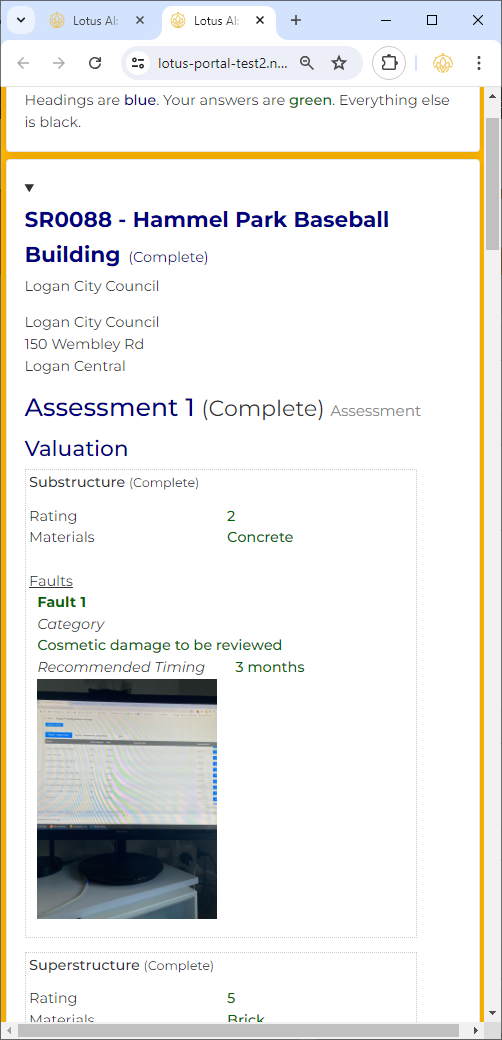
Example screen 1 (for Assessment 1)
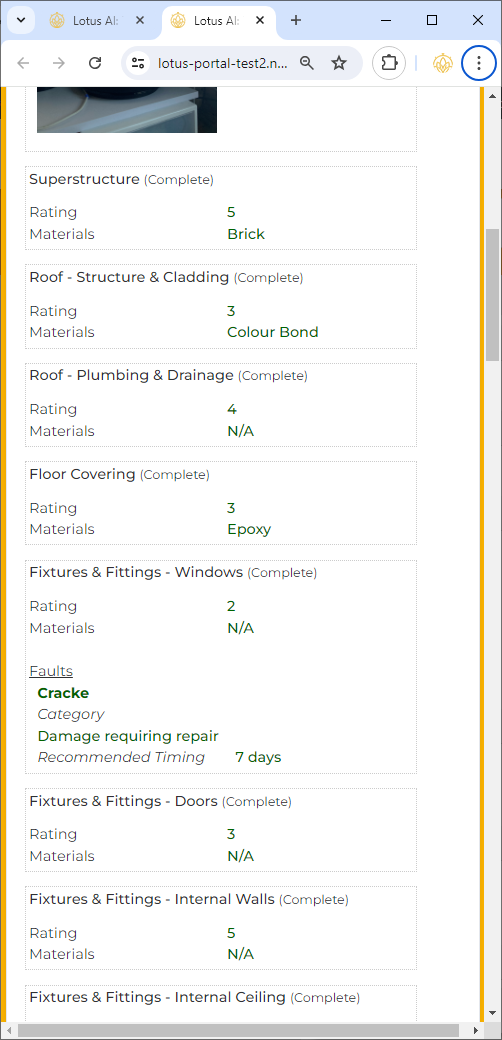
Example screen 2 (more Assessment 1)
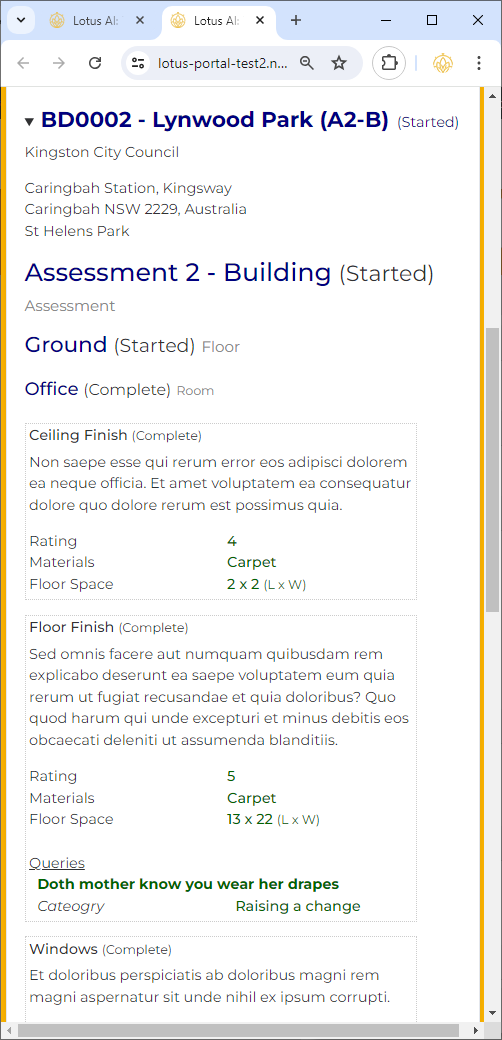
Example screen 3 (for Assessment 2 – Building)