How Can We Help?
-
Jobs
- Articles coming soon
-
Timesheets
-
- Articles coming soon
-
- Articles coming soon
-
- Articles coming soon
-
-
General
-
Tessta
-
Jobs Admin
-
Jobs Kiosk
< All Topics
Print
Update someone’s permissions
Posted
Updated
ByJosh Hemmett
To update someone’s permissions, go the Users section. You can access this section via Global > Account Admin then Users on the left.
Click on Manage Person next to the appropriate person’s name:

On this page, update the role(s) as required (either adding or removing) then click Update.
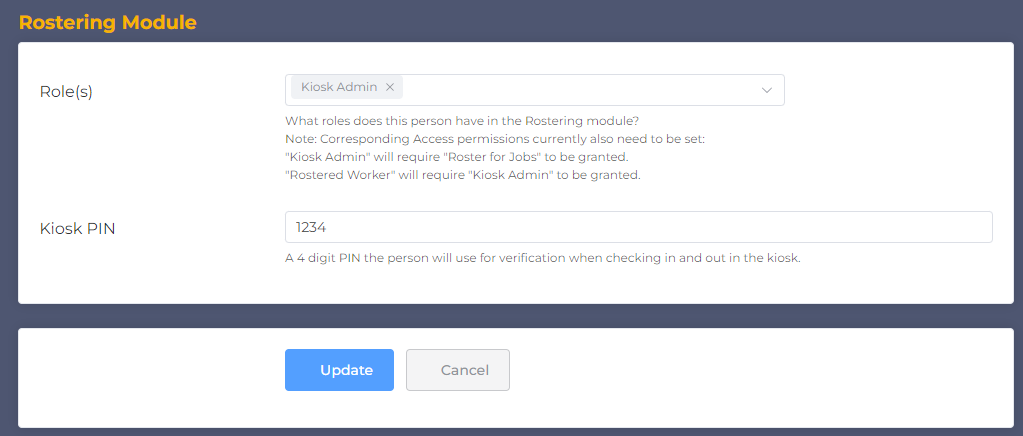
Table of Contents