How Can We Help?
Look up or reset someone’s PIN
If someone has forgotten their PIN number, you can either look it up or reset it. You do this in the Users section. You can access this section via Global > Account Admin then Users on the left.
Click on Manage Person next to the appropriate person’s name:

At the bottom of the screen is the PIN that’s been set for the person.
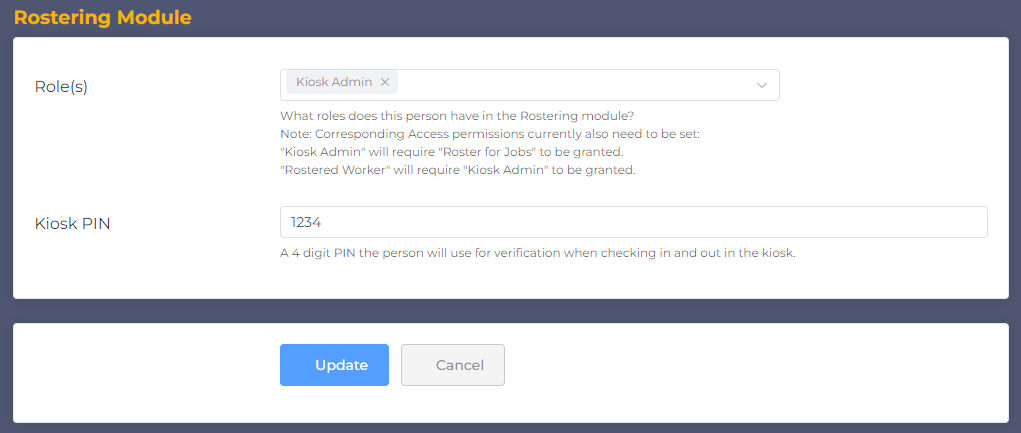
You can either advise them of the PIN, or you can update this number and click Update to change it.