How Can We Help?
Disabling a user
To disable a user (note, you cannot delete users) go the Users section. You can access this section via Global > Account Admin then Users on the left.
Click on Manage Person next to the appropriate person’s name:

On this page, click Disable in the bottom right of the page:
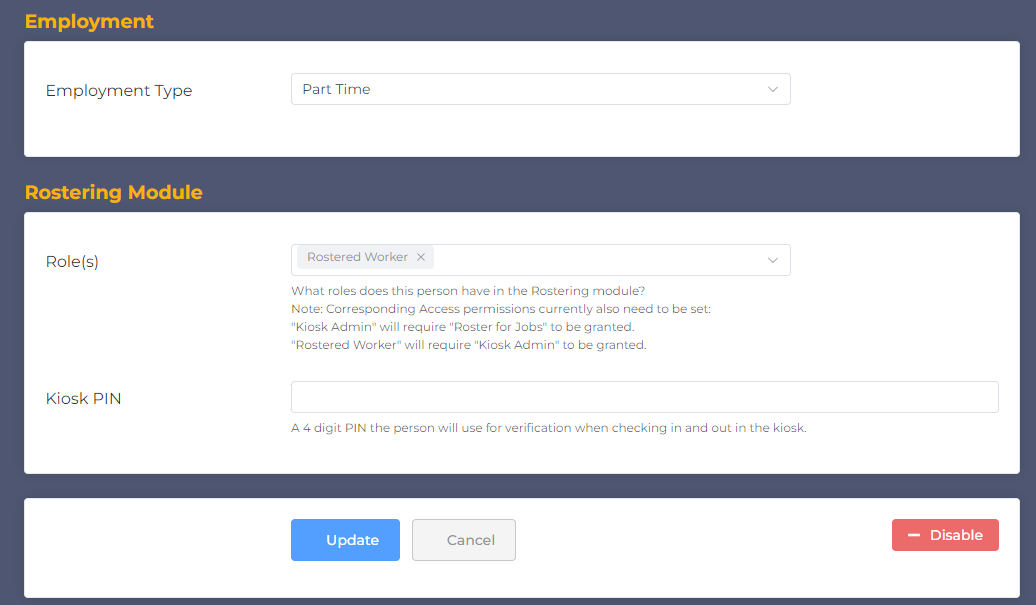
This will disable the user. This will mean they cannot be allocated to shifts, nor will they be able to access any part of the system.
Note: Billing is based on active users. You should disable users who won’t be rostered on for a long period of time to reduce your monthly billed users.