How Can We Help?
Taking a break on the Kiosk
When you take your break, you should check out and in via the Kiosk.
To do so, find your name in the ‘Checked In’ section, and click ‘Take Break’.
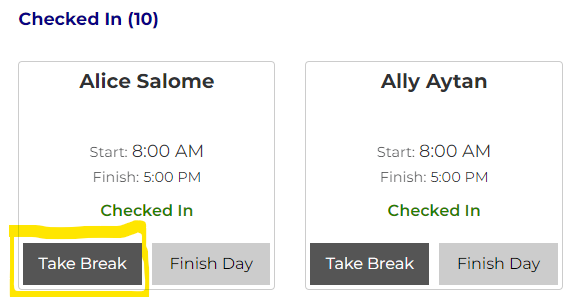
This will trigger a pop up where you enter your PIN to take your break.
IMAGE
Once checked out, you will see a confirmation message.
IMAGE
Checking back in
When coming back from your break, you should check back in as well.
Find yourself in the list and click on ‘on break’
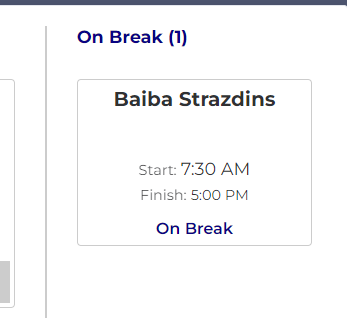
This will prompt you for your PIN to check back in
IMAGE
Once checked back in, you’ll receive a confirmation message once checked back in.
IMAGE